Short tutorials and longer deep dives, grouped by topic, so your team can get pages published and updated faster. Every tutorial covers the NetMinistry Church Growth Platform, built on the Advoc8 framework and trusted by 60,000+ organizations since 2001.
Every walkthrough video in the library.
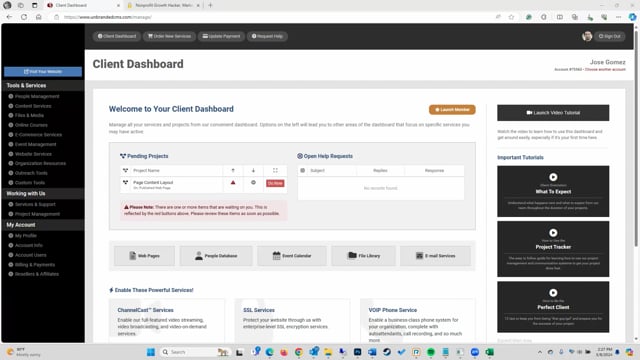
Watch our 15-minute pre-training crash course that takes you through the fundamentals of using your account. If you have a training session, be sure to watch this first.
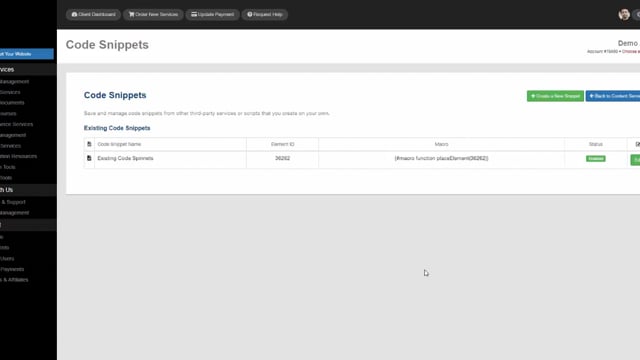
Learn about what code snippets are and how to use them on your website.
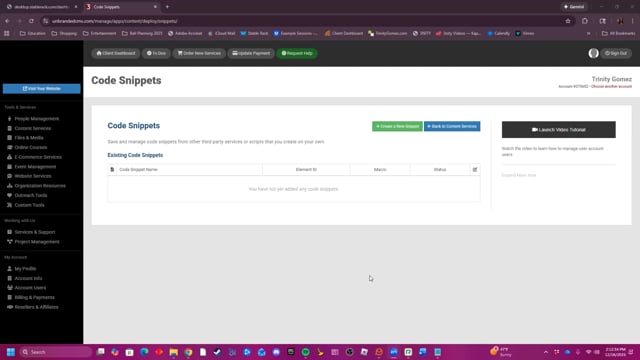
This video provides a concise overview of the Code Snippets feature, demonstrating how to save, manage, and install custom script or third-party code snippets onto a website using a simple macro-based installation process.
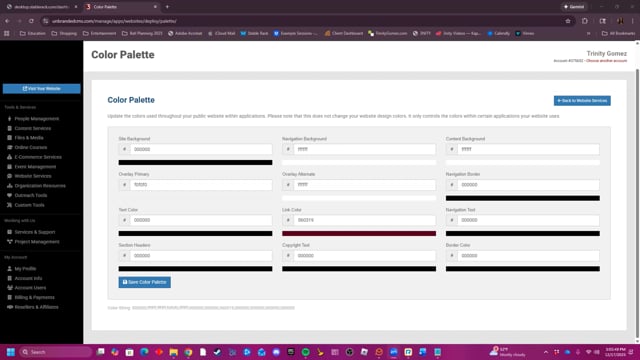
This video provides a brief tutorial on how to customize and save various website design elements, such as site backgrounds and text colors, using the Color Palette tool.
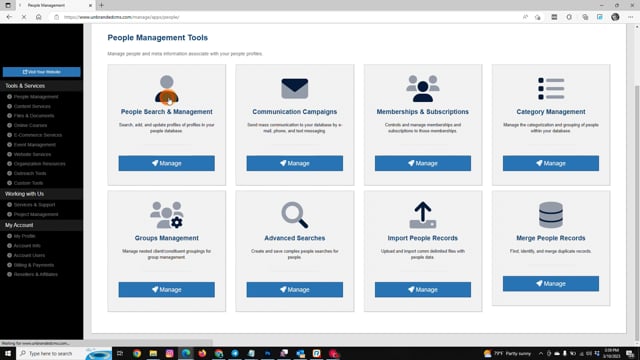
Learn how to send mass e-mails, text messages, and voice mails to people in your People Management database.
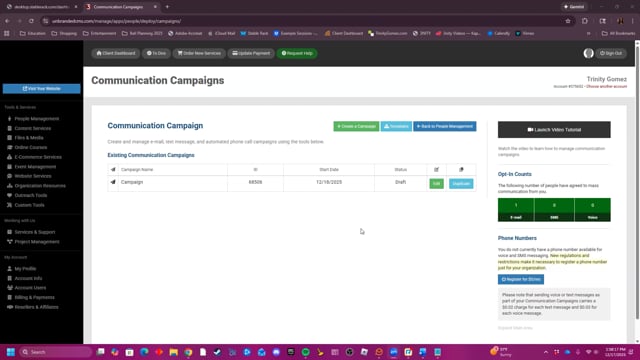
The Communication Campaigns tool enables users to create and manage mass email, text message, and phone call campaigns. Users can define the recipient list using custom searches, schedule campaigns for one-time or recurring intervals, and use message macros to personalize content with information such as first names and email addresses. Additionally, the tool provides campaign logs to track performance metrics like opens, clicks, bounces, and unsubscriptions.
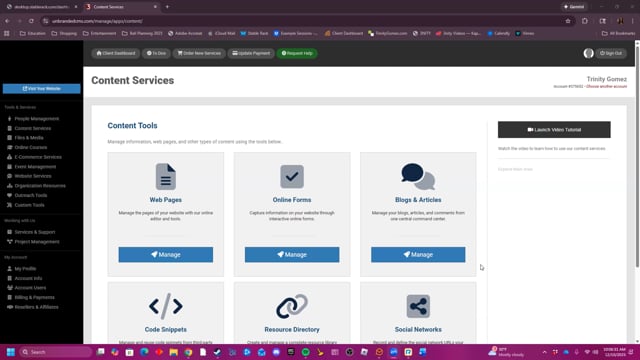
This video provides a summary of the Content Services tools.
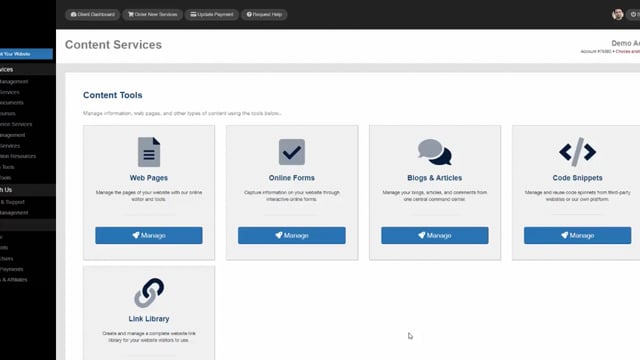
Learn about the different options for managing website content within Content Services.
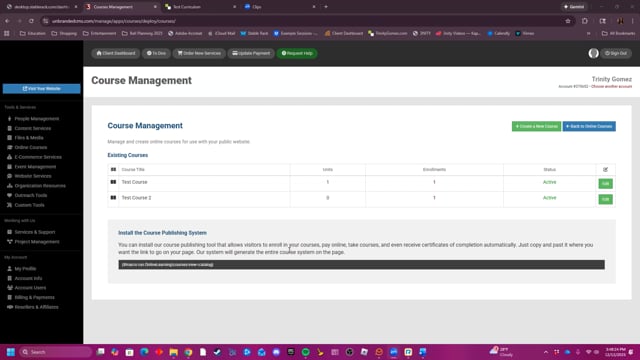
This video demonstrates how to create and manage an online course, including assigning students, building course units, and creating unit exams with different question types.
The walkthroughs your team opens most often.
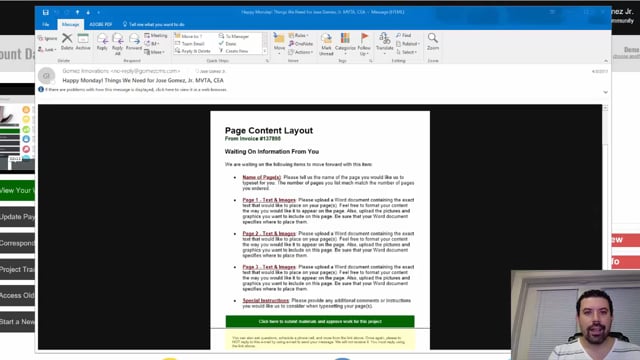
Every Monday and Friday, you can expect reminder e-mails detailing anything we are waiting for from you, whether they are approvals or project requirements. Expect them and learn how to leverage them to move your project forward fast.
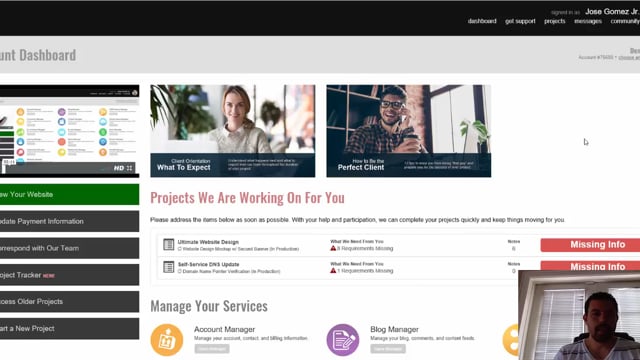
Find out exactly how to communicate with your project manager whenever you need to. It's super easy and convenient to do so right from within the Project Tracker.
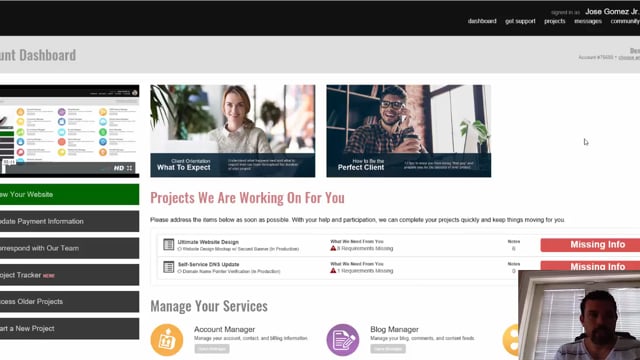
As a client, it's important to learn how to use the Project Tracker for your ongoing projects. Learn step by step about how to properly communicate, approve, reject, and review projects as they are being worked on for you.