Short tutorials and longer deep dives, grouped by topic, so your team can get pages published and updated faster. Every tutorial covers the NetMinistry Church Growth Platform, built on the Advoc8 framework and trusted by 60,000+ organizations since 2001.
Every walkthrough video in the library.
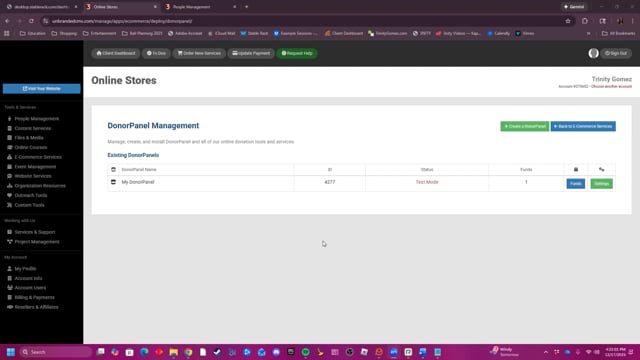
This video provides a step-by-step guide on how to create, customize, and install a DonorPanel on your website, including instructions for setting up payment gateways, managing funds, and configuring automatic email notifications for donors.
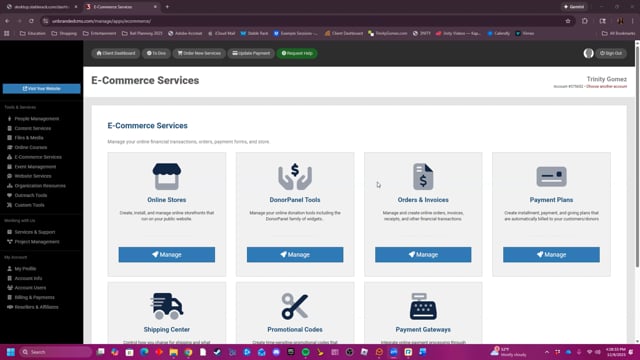
This video provides a summary of the E-Commerce Services tools.
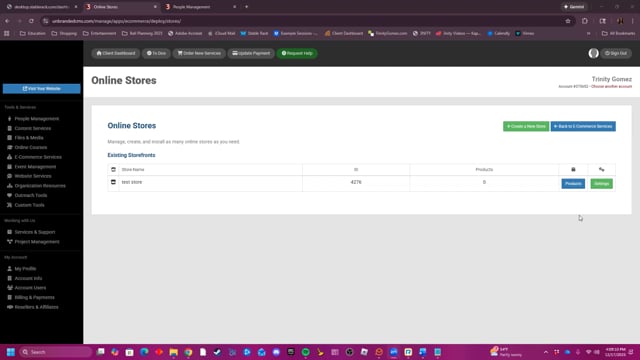
This video provides a comprehensive guide on how to create, manage, and customize online stores and products, covering everything from setting up payment gateways and shipping options to configuring product details and post-purchase customer interactions.
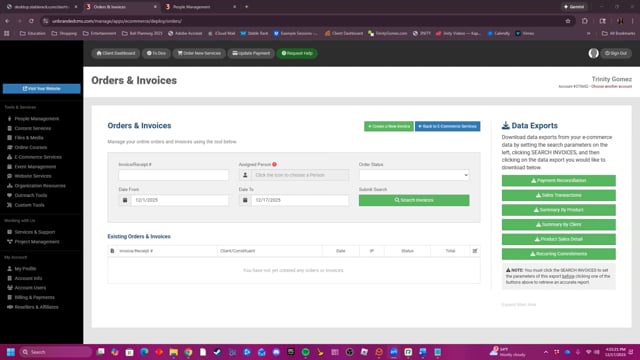
This video provides a tutorial on how to use the Orders & Invoices tool to manage online orders, create new invoices, monitor for fraud, and export data.
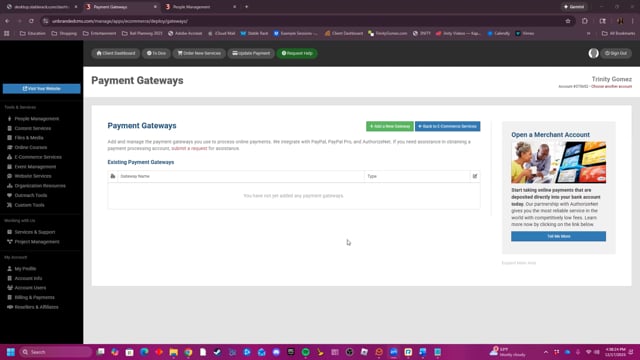
This video explains how to set up and manage various payment gateways, such as PayPal and Authorize.net, by providing details like the gateway name, type, processing mode, and accepted payment methods.
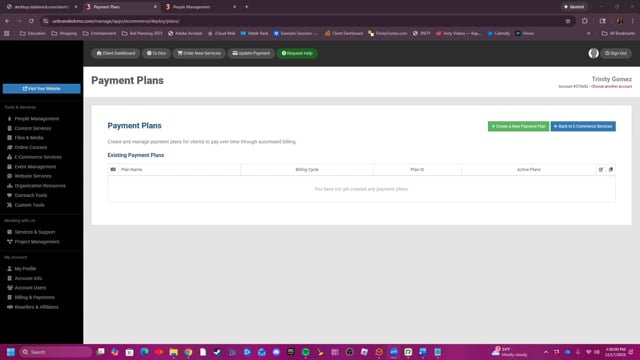
This video demonstrates how to create and manage automated client payment plans within the platform's e-commerce settings, including configuring billing cycles, associated products, and payment amounts.
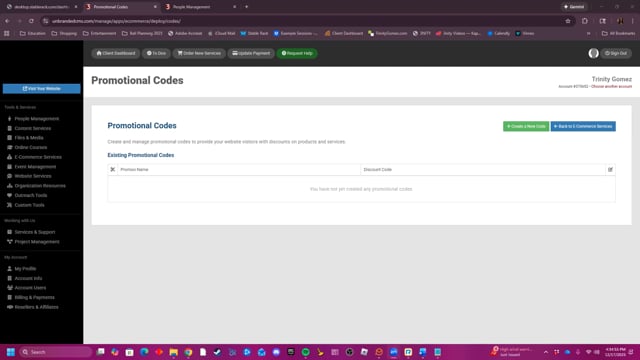
This video demonstrates how to create and customize promotional codes within the platform, including settings for discount amounts, start and end dates, automatic application, and specific requirements based on products, categories, vendors, or memberships.
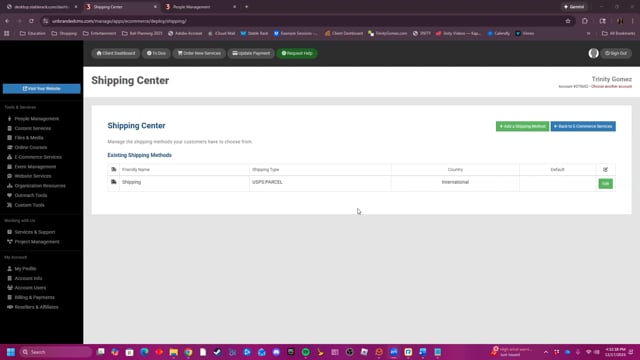
This video provides a step-by-step guide on how to add and configure shipping methods in the Shipping Center, covering options for shipping types, country-specific settings, price calculations based on order weight or total, and additional parameters like free shipping thresholds and minimum or maximum charges.
The walkthroughs your team opens most often.
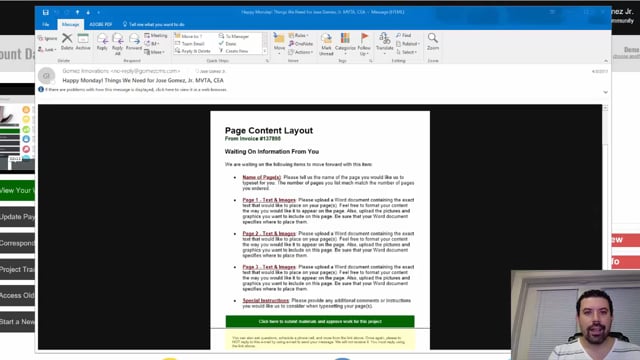
Every Monday and Friday, you can expect reminder e-mails detailing anything we are waiting for from you, whether they are approvals or project requirements. Expect them and learn how to leverage them to move your project forward fast.
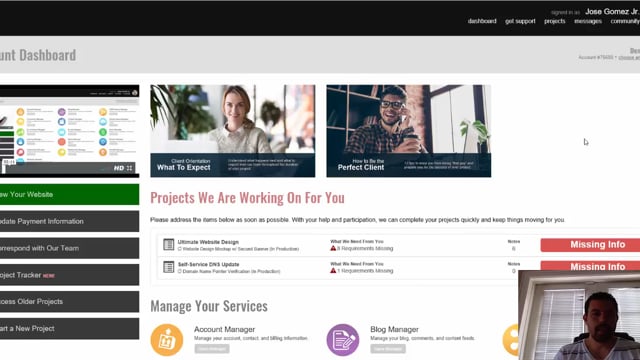
Find out exactly how to communicate with your project manager whenever you need to. It's super easy and convenient to do so right from within the Project Tracker.
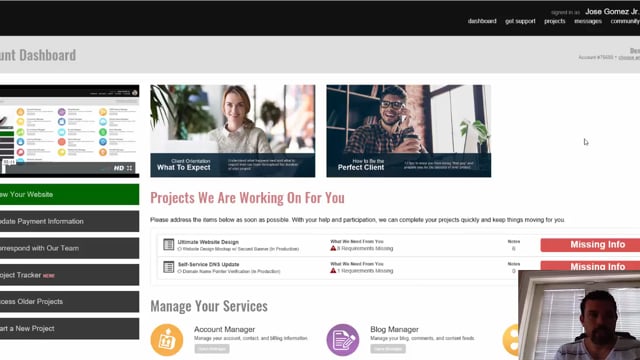
As a client, it's important to learn how to use the Project Tracker for your ongoing projects. Learn step by step about how to properly communicate, approve, reject, and review projects as they are being worked on for you.