Short tutorials and longer deep dives, grouped by topic, so your team can get pages published and updated faster. Every tutorial covers the NetMinistry Church Growth Platform, built on the Advoc8 framework and trusted by 60,000+ organizations since 2001.
Every walkthrough video in the library.
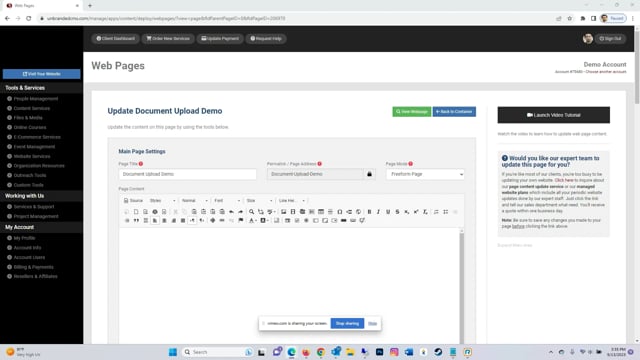
Learn how to upload documents for your website visitors to download.
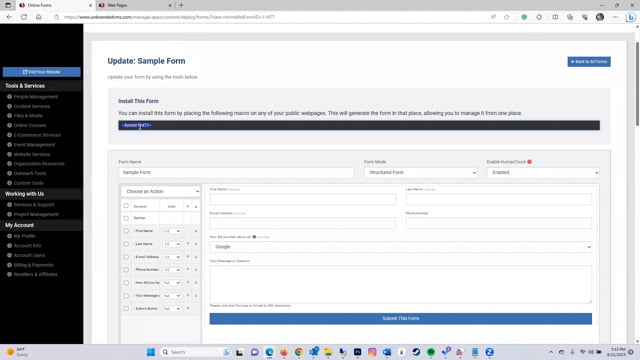
This tutorial reviews how to create a structured form and add it to a page on your website.
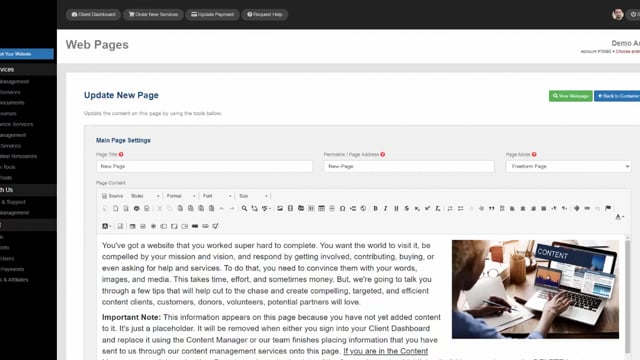
Learn how to edit your page content and settings.
This tutorial explains how to embed YouTube clips onto your web pages.
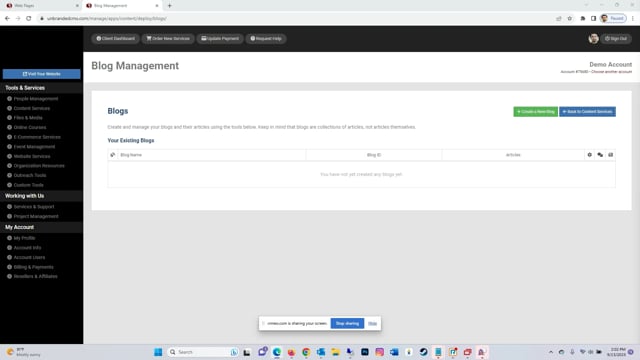
Learn the steps for adding a blog to your website on our platform.
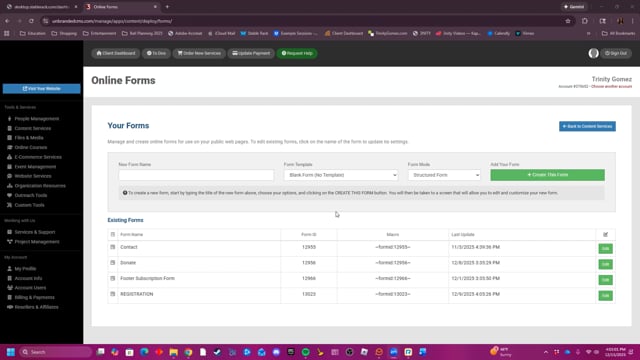
This video provides a step-by-step guide on how to create, edit, manage, and delete online forms for your website, including features like enabling human verification, setting up email notifications, and choosing payment gateways.
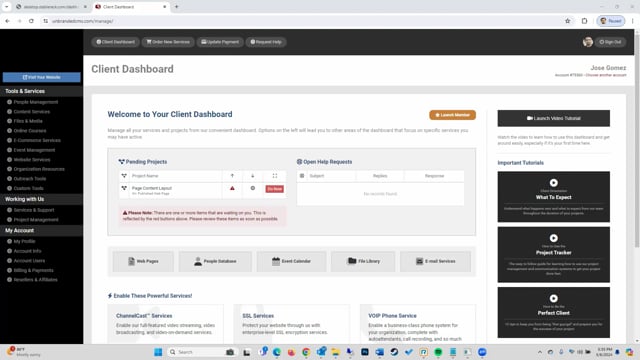
Learn how to organize the pages of your website using our Web Pages tool and its various features for creating pages and container pages as well as updating your settings.
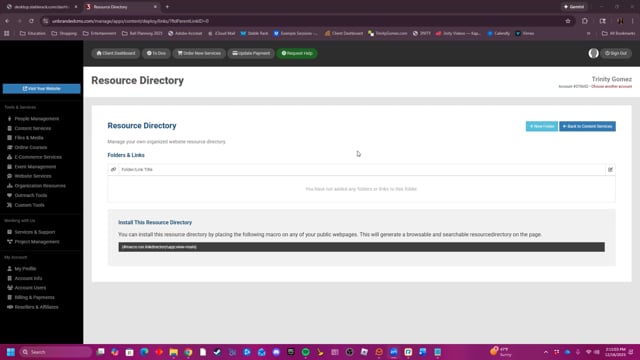
This video demonstrates how to create and manage a Resource Directory by organizing links into folders and embedding them on a website using a macro.
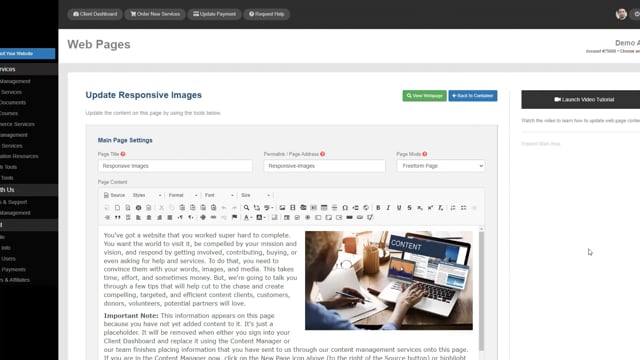
Learn now to add responsive images - images that adjust to the device viewing them - to your pages with ease.
The walkthroughs your team opens most often.
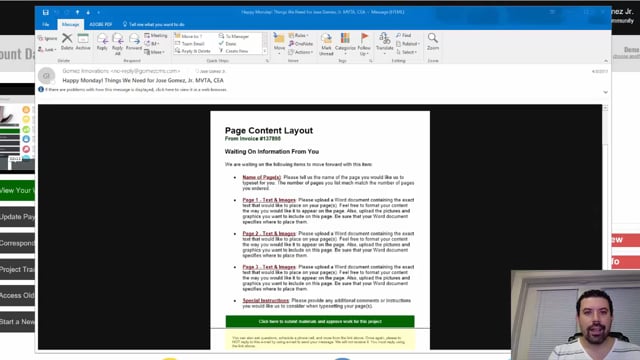
Every Monday and Friday, you can expect reminder e-mails detailing anything we are waiting for from you, whether they are approvals or project requirements. Expect them and learn how to leverage them to move your project forward fast.
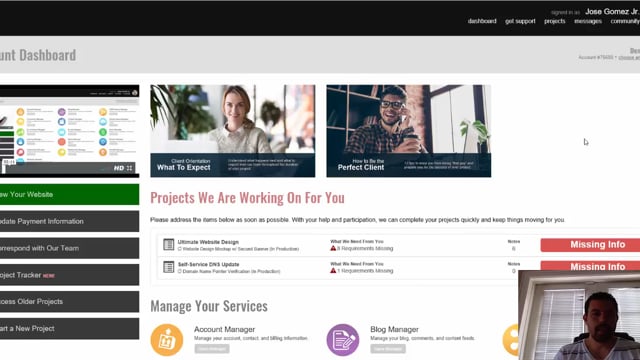
Find out exactly how to communicate with your project manager whenever you need to. It's super easy and convenient to do so right from within the Project Tracker.
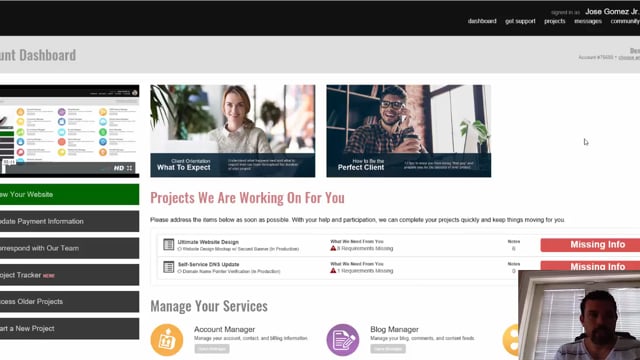
As a client, it's important to learn how to use the Project Tracker for your ongoing projects. Learn step by step about how to properly communicate, approve, reject, and review projects as they are being worked on for you.